How to read a research paper as EPUB with EPUBTurn
Read research-paper prose as EPUB while checking columns, figures and equations against the published PDF.
On this page
- 1. Pick a paper you may upload and keep the PDF
- 2. Choose the paper in EPUBTurn
- 3. Create the free sample and identify what was included
- 4. Prepare the sample download
- 5. Download the sample and inspect the argument
- What the saved results show
- Reading several papers from conference proceedings
- 6. Confirm full conversion if the evidence is useful
1. Pick a paper you may upload and keep the PDF
Begin with a research PDF you are allowed to upload. Keep the published PDF for citations, equations and close inspection of plots. EPUBTurn is worth trying when the prose is awkward to read on your screen and adjustable text would help you follow the argument.
Identify a difficult paragraph crossing a column boundary and a figure discussed nearby. Record the figure number and one reported value with its population or condition. A conversion should preserve the relationship between the number and the claim, not merely include the same digits somewhere.
2. Choose the paper in EPUBTurn
Open the EPUBTurn homepage, go to the PDF upload and click Choose a PDF. Select the original paper and confirm its filename. Check the displayed limits before continuing.
Use the version you actually intend to read. A supplementary appendix and the main paper may have different layouts. If you upload a permitted excerpt, keep its original page range clear so you can distinguish the excerpt from the whole publication.
3. Create the free sample and identify what was included
Click Create free sample. EPUBTurn automatically selects up to ten pages. When processing finishes, check the included pages against the difficult paragraph and figure you selected.
If an important appendix, equation or plot is absent, leave that feature unchecked. An easy abstract does not establish a complete Results section. The normal NASA report trial below selected three pages from a six-page excerpt; it was not an automatic conversion of every source page.

4. Prepare the sample download
Use Create sample download if offered, then wait for the saved EPUB to become available. Read any processing failure before proceeding. A visible preview, a prepared book and a successful download are separate things.
If the sample stops on a page you need, do not assume paying will correct the same problem. Keep the source and the service’s reported result while deciding whether the reading route still fits your task.
5. Download the sample and inspect the argument
Choose Download sample EPUB and save the file. Open it in an EPUB reader; Apple Books on Mac provides File > Import for many EPUB books. Enlarge body text and follow the paragraph from one original column into the next.
Check that the reported value still belongs to the same population. Find the complete figure, including legends, axis labels and its caption. A preserved caption cannot replace missing plotted content. Keep the published PDF available when exact scientific detail matters.

What the saved results show
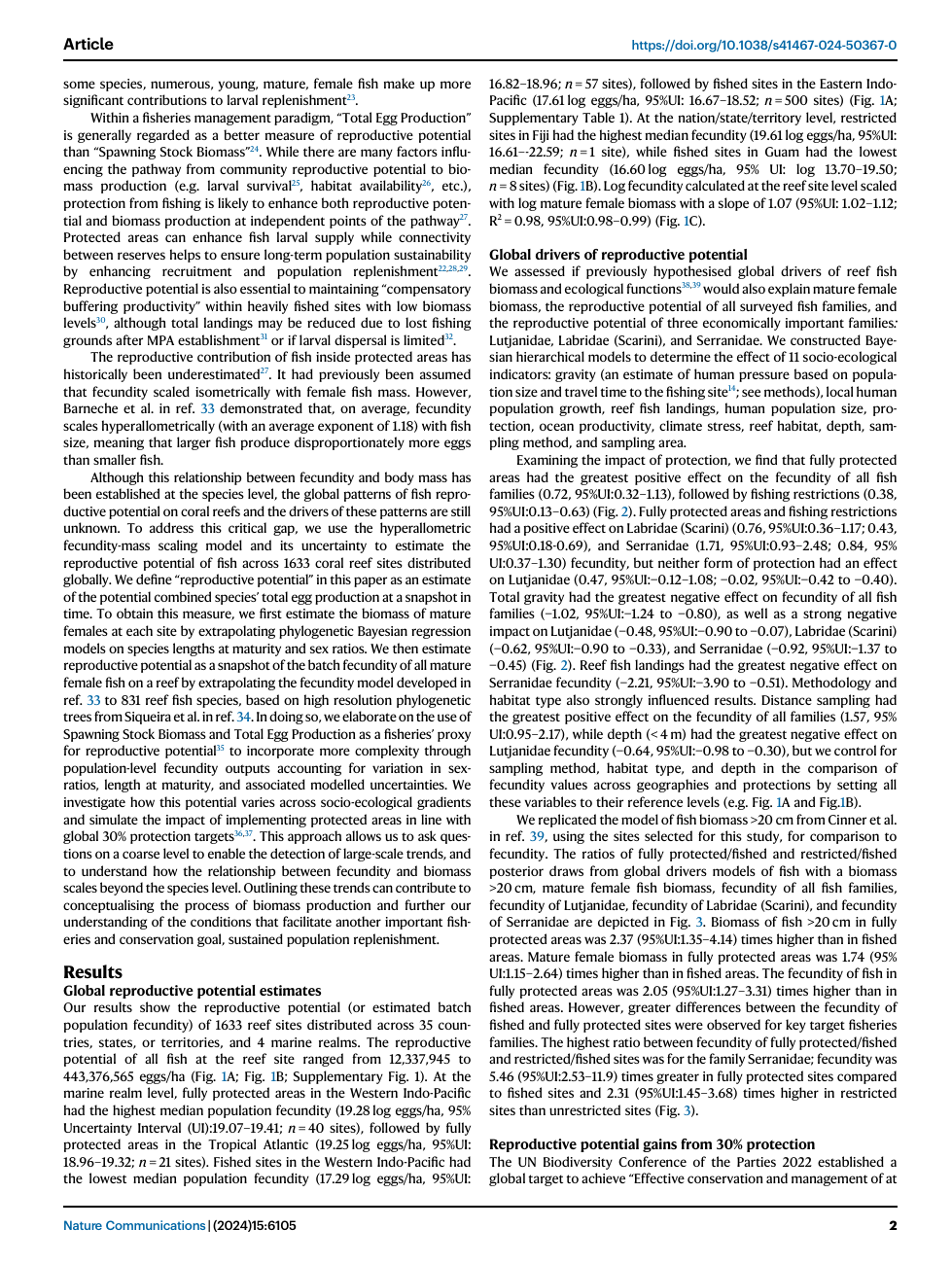
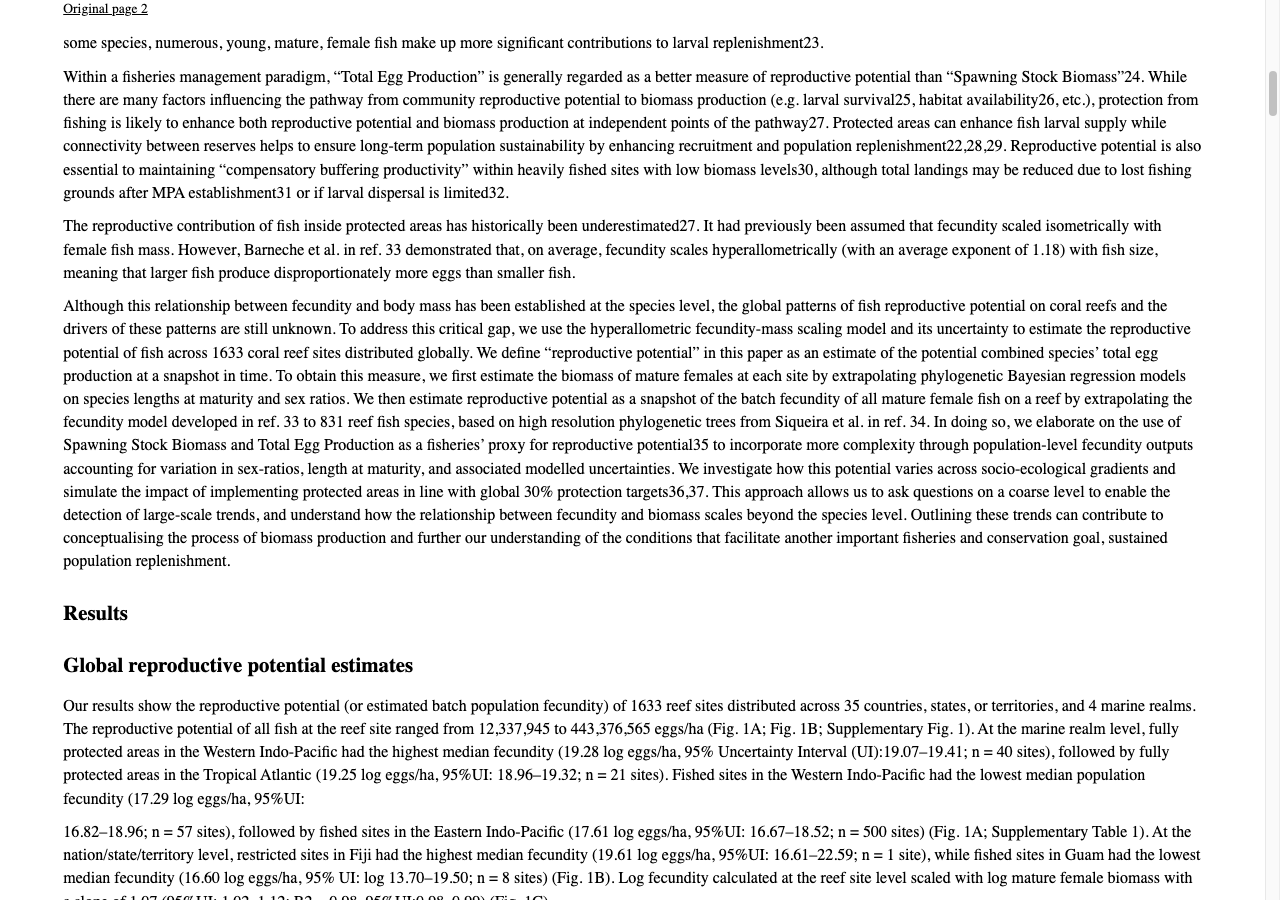
Our Nature Communications fish-paper result retains the inspected column order and numerical context. Its map, density plot and scatterplot survive, but lower axis labels and ticks are clipped. The initial automatic workflow stopped on page 7; three equation-image boundaries were manually corrected before the reviewed result was built. That file is not an untouched automatic download.
The separate NASA technical-report trial did produce a normal, unchanged sample download. Three selected pages retain hardware drawings, labels and inspected prose, with generic chapter naming and some list-layout limits. The engineering sample supports that narrower observation, not automatic success for every journal paper.
Inspect the reviewed research export or open the unchanged NASA sample; their scopes differ.
The journal example is Hadj-Hammou and colleagues’ 2024 Nature Communications paper, CC BY 4.0, original pages 1–10. The public NASA source is Shelton’s 1975 lunar-module control-system report. Use the saved converter comparison for the exact source and reviewed-file limitations.
Published PDF
Reviewed EPUBTurn result
Reading several papers from conference proceedings
A proceedings volume contains separate papers, not one continuous argument. Pick the papers you need before preparing an authorised excerpt. Include each paper’s title and authors, its last paragraph, and its own references. A reference list that belongs to the first paper must not become the apparent bibliography of the second.
Upload the permitted PDF to EPUBTurn and use the displayed free sample controls. When the chosen sample covers a paper boundary, compare the final paragraph and references of one paper with the title, author line and abstract of the next. A running conference header should not appear as another paper title. If the automatic sample does not cover that transition, describe the result as a sample of the selected pages.
Keep a simple reading list with the original paper titles and printed start pages. Test the EPUB’s contents entries before using them to move between papers. Use the original PDF for citations and plots; the existing research-paper demonstration does not establish multi-paper navigation in an untested proceedings volume.
6. Confirm full conversion if the evidence is useful
If full conversion is available, follow the sign-in and credit confirmation for your paper. Check the required pages and any confirmed price before proceeding.
Choose the next stage when the included prose helps and you can accept the observed limitations. After downloading the longer result, inspect newly included figures and equations. Use the reading copy for comfortable prose while retaining the original for citations and precise plot interpretation.
Files used in this guide
Download the source files, conversion results or worksheets referenced here. Each label identifies the source document or the converter used.
Published research-paper PDF (pages 1–10)EPUBTurn reviewed result; three equation crops correctedEPUBTurn actual NASA sample: three selected pagesSources and further reading
Related guides
- How to check tables when converting a PDF to EPUB
- How to check equations in an EPUBTurn research-paper sample
- How to turn a textbook chapter into an EPUB reading copy
- Multilingual PDF conversion: check names, accents and order
- How to convert magazines into EPUB with EPUBTurn
- How to convert an image-only or scanned PDF into EPUB
- How to convert annual reports into EPUB with EPUBTurn
- How to convert instruction manuals into EPUB with EPUBTurn
- How to convert lecture notes into EPUB with EPUBTurn
- How to convert recipe PDFs into EPUB with EPUBTurn
- How to convert a thesis or dissertation into EPUB with EPUBTurn