PDF to EPUB formatting: turn awkward pages into easier reading
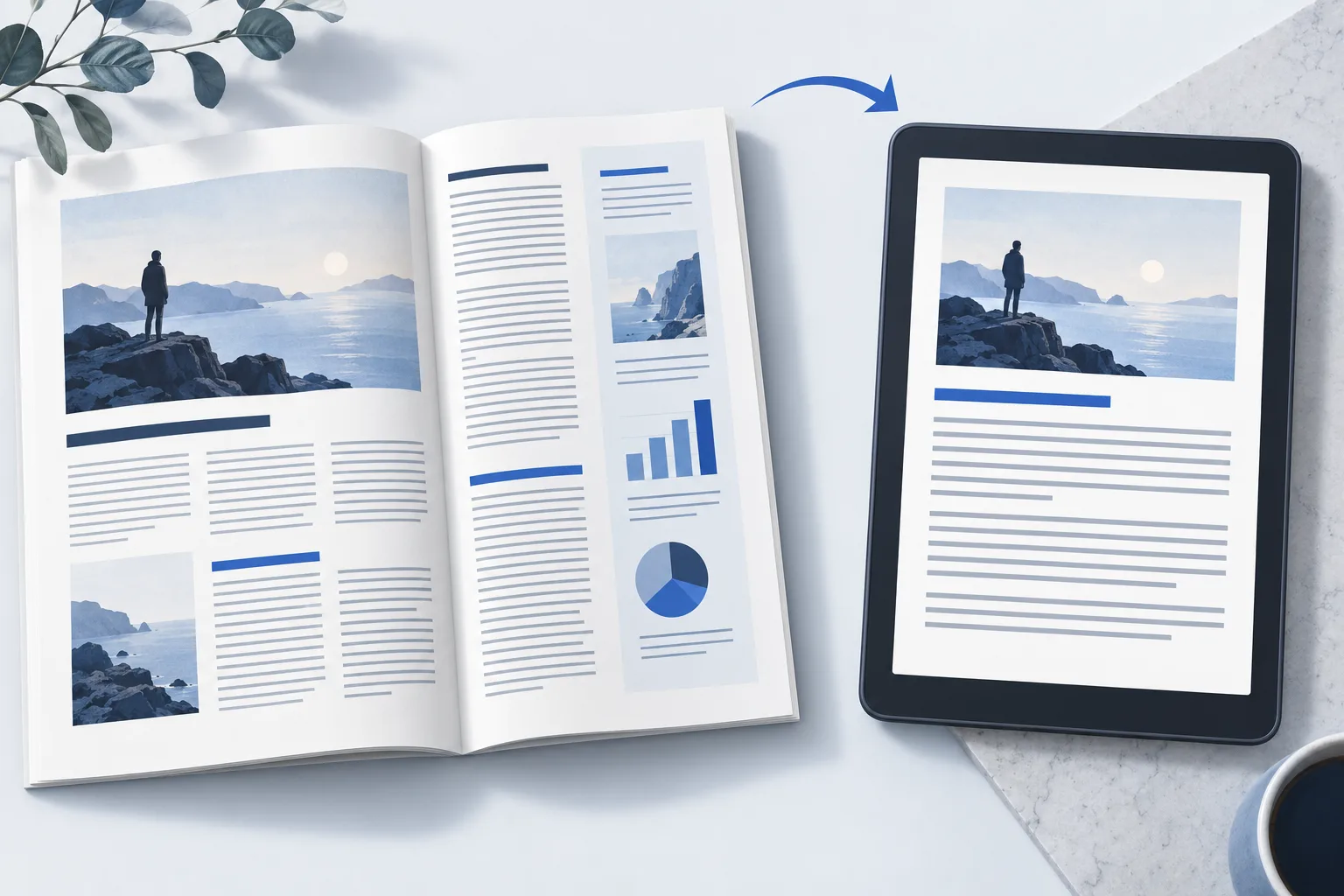
A PDF that looks good on a laptop can be frustrating on an e-reader: tiny text, awkward columns and constant zooming. EPUBTurn is built to turn those fixed pages into adjustable text with useful illustrations kept alongside the reading. Here’s how to choose the right approach for your PDF.
On this page
- Why changing the file format is not enough
- Match the fix to the problem
- What a comfortable reading edition should feel like
- How EPUBTurn helps with difficult layouts
- A simple example: from two columns to one reading flow
- Check three things before converting the full PDF
- When keeping the PDF makes more sense
- Start with the problem that bothers you most
Why changing the file format is not enough
You convert a magazine to EPUB, open it on your e-reader and expect an easier read. Instead, a sentence jumps across columns, every printed line becomes a new paragraph or a diagram disappears. The download worked, but the reading experience did not.
The problem is the layout. A PDF describes where text and pictures sit on a printed page. A comfortable reading edition needs the article in the right order, paragraphs that wrap naturally and pictures near the passages they explain. Renaming the file or preserving a whole page as an image will not give you adjustable text.
That is the job EPUBTurn is designed for. It reconstructs the reading content, including the flow between columns and pages, rather than treating the page as a picture to squeeze onto a small screen.
Match the fix to the problem
| What you see | What to check | Next step |
|---|---|---|
| Sentences jump between columns | Paragraph order against the PDF | Check column reading order |
| Every printed line ends a paragraph | Paragraph boundaries at large font size | Check whether lines have been joined into paragraphs |
| Pictures have disappeared | Figure, caption and text reference together | Check images and captions |
| Text is a page-sized picture | Whether font controls change the text | Check text recognition and whether the output is reflowable |
| Navigation opens the wrong section | Contents links and heading order | Run the quality checklist |
What a comfortable reading edition should feel like
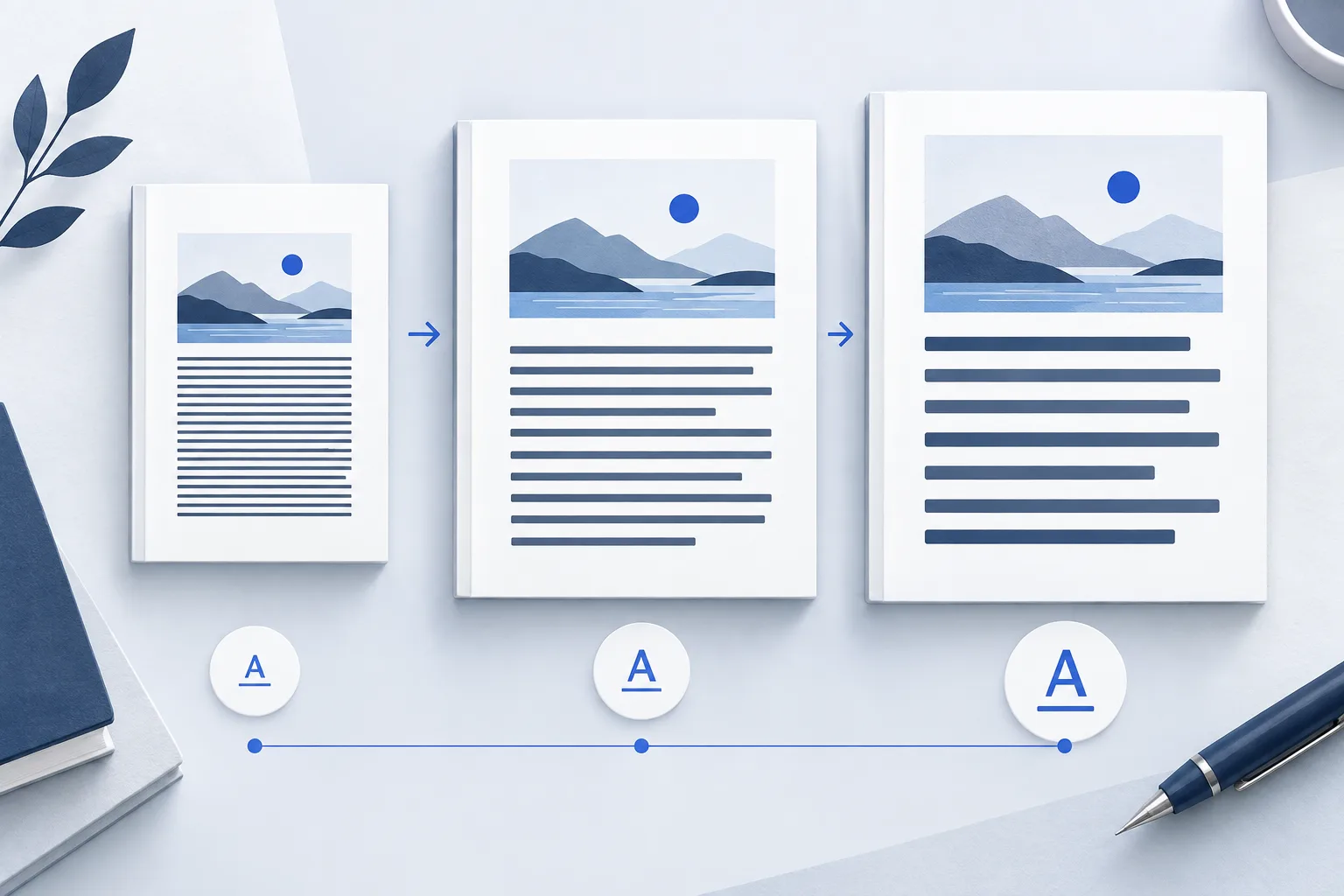
You should be able to increase the font size without chasing lines across the screen. A paragraph should continue naturally when you reach the end of a column or printed page. A caption should still make sense next to its picture, and the contents should take you to the section you want.
Do not expect the EPUB to have the same number of pages as the PDF. Larger text takes more screens. The important part is that the article remains complete and readable while the layout adapts to you.
For a magazine, illustrated report or long article, those changes can make the difference between a document you keep meaning to read and one you can comfortably read on the train.
How EPUBTurn helps with difficult layouts
EPUBTurn turns PDF text into adjustable EPUB content and keeps useful diagrams and illustrations as separate images near their related text. It is designed to work out article order, column transitions and cross-page continuations so the result reads as a continuous article.
You upload the PDF and let the conversion run. The customer flow does not ask you to split every column, approve crops or repair each page by hand. Start with a free sample from your own document, then decide whether the reading result is worth converting in full.
Try your PDF in EPUBTurn if your current conversion has mixed columns, awkward paragraphs or missing illustrations. The sample lets you see how EPUBTurn handles your actual layout before you spend page credits.
A simple example: from two columns to one reading flow
Our downloadable garden example has a clear order. The left column begins “The garden opens at sunrise.” The right column continues “After watering, inspect the leaves.” In the reading edition, the sunrise paragraph comes first, followed by the watering paragraph and its leaf illustration.
Open the source PDF and reading EPUB below. Follow those sentences, then increase the font size in your reading app. The words should wrap onto new lines without changing the article’s order. The leaf and its caption should remain together.
This small authored example shows the reading qualities to look for. To see how your own magazine or report converts, use the free EPUBTurn sample.
Check three things before converting the full PDF
- Follow a difficult transition. Read the end of one column or page and the start of the next. The sentence should continue naturally.
- Find a useful picture. Check that the diagram, its labels and its caption are understandable.
- Make the text larger. The reading should get more comfortable without forcing you to scroll sideways through paragraphs.
When keeping the PDF makes more sense
If the document is mostly forms, maps or dense tables, the original page layout may be essential. Keep the PDF available for those details. Reflow is most useful when your main goal is reading prose at a comfortable text size.
Small print, scans and unusual layouts can still be difficult to convert. A sample is the practical way to judge whether the result works for your document. You do not need to understand publishing specifications to make that decision: read a representative passage and see whether it feels right.
Start with the problem that bothers you most
Use the worked example
Original teaching files by EPUBTurn. The reading edition was authored to demonstrate the checks in this guide.
Download source PDFDownload reading EPUB