How to check a converted EPUB before paying for the full PDF
You do not need to inspect a publishing specification to know whether an EPUB is good enough to read. Follow a passage, find an important picture and make the text larger. EPUBTurn lets you start with a free sample from your PDF before choosing full conversion.
On this page
Judge the reading experience, not just the download
A file that opens can still be frustrating. Sentences may jump between columns, a useful figure may be missing or the text may be a page-sized image that does not respond to font controls.
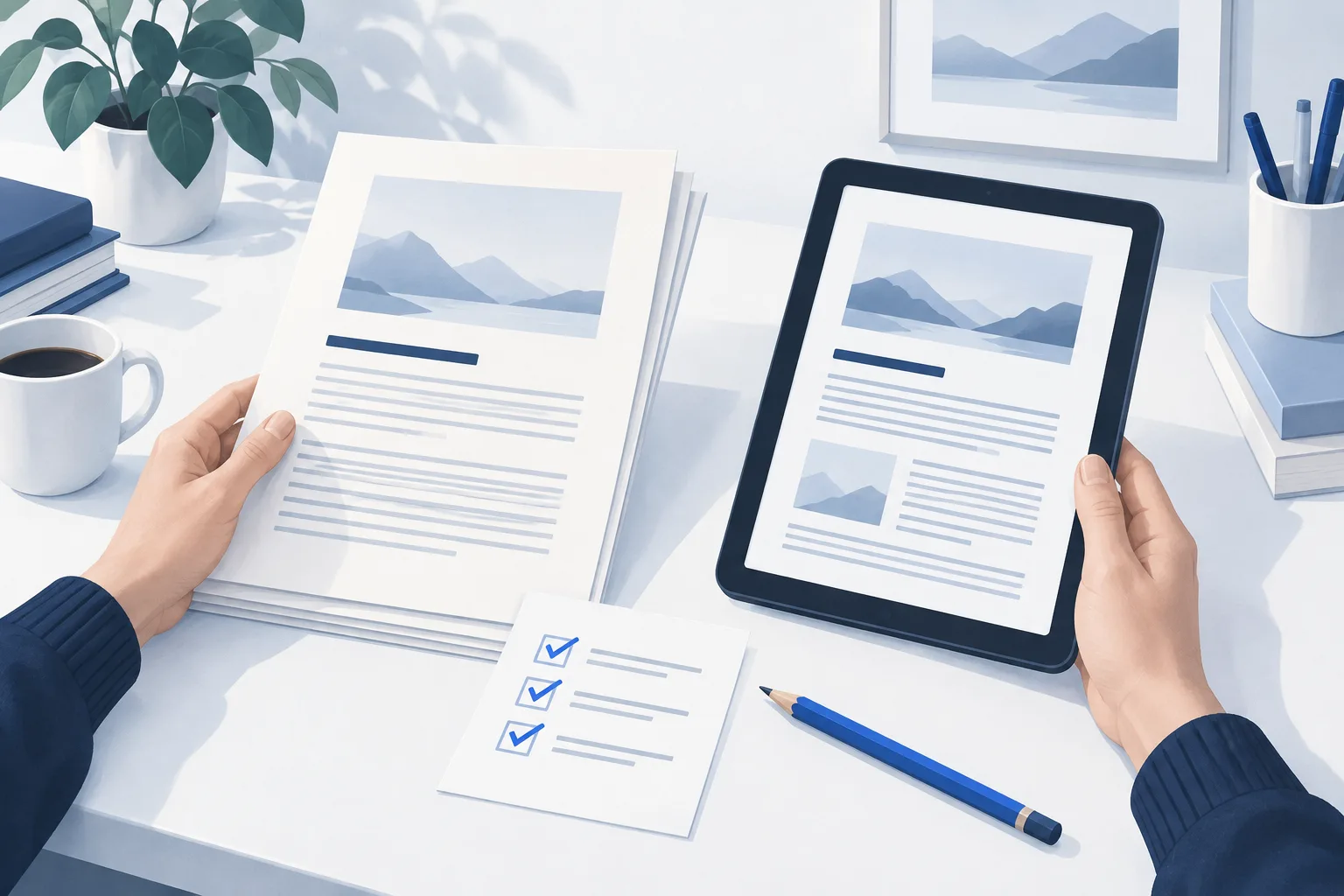
A few practical checks tell you more than the filename. Keep the PDF open for reference, then read a passage you care about in the EPUB. You are looking for an article that feels complete, follows a sensible order and is comfortable at your preferred text size.
Why start with an EPUBTurn sample?
EPUBTurn gives you a free sample of up to 10 automatically selected pages from your own PDF. You can inspect the reading result before spending page credits on the full document.
That matters because a simple report and a dense magazine can convert differently. A sample from your file answers a more useful question than a generic promise: does this reading edition work for what you want to read?
Upload your PDF and try the EPUBTurn sample. When the sample is ready, use the short checklist below.
Four checks that make the decision easier
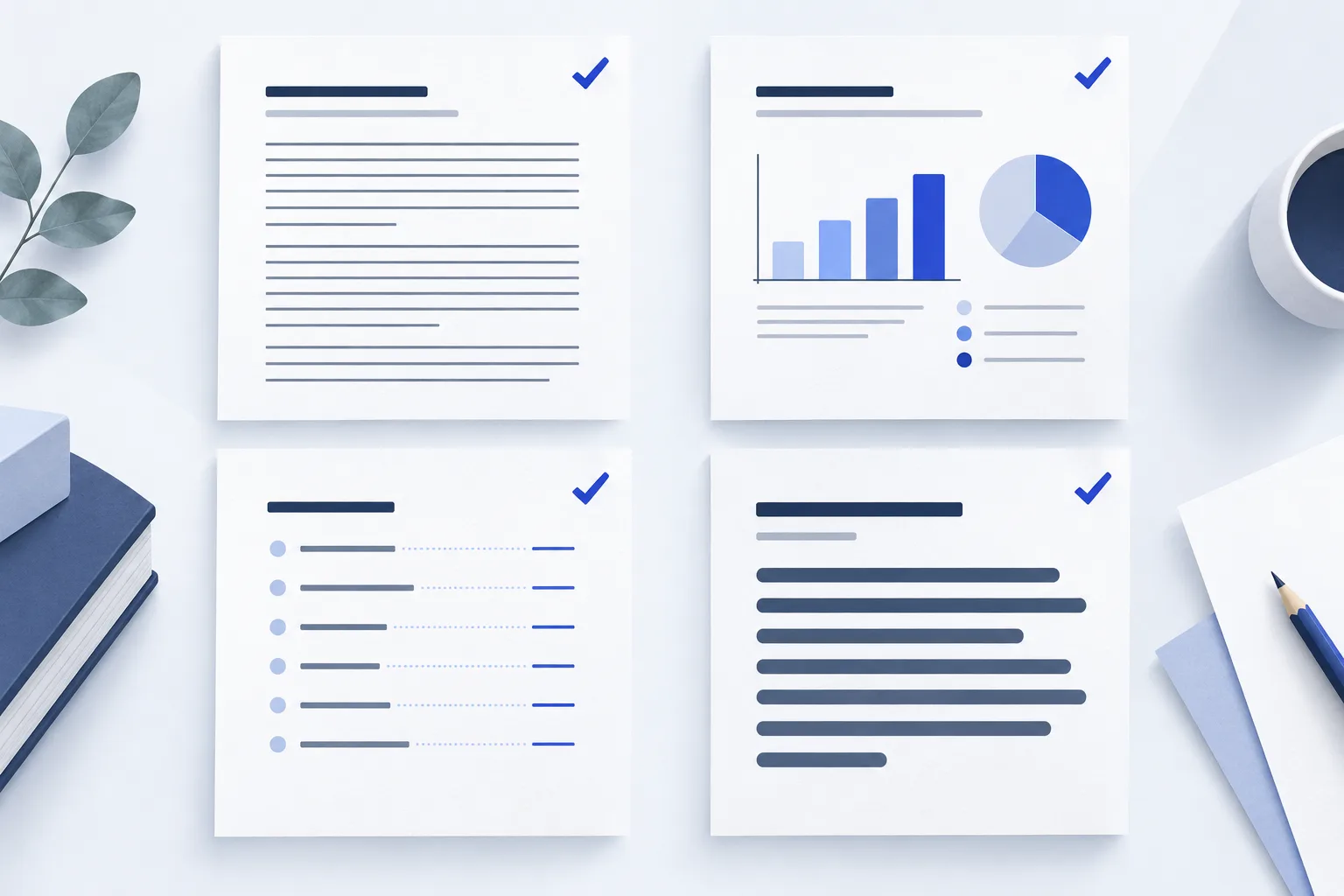
- Read through a transition. If the sampled article has columns or crosses a printed page, check that the sentences continue naturally.
- Find a useful picture. Match the figure with its caption and inspect any labels that matter.
- Make the font larger. Body text should wrap to the screen instead of making you pan across a printed page.
- Try a contents link. If the document has section navigation, open a link and confirm that it reaches the right heading.
Try the checks on a small example
The downloadable garden reading exercise contains two paragraphs, a leaf figure and a contents link. First, find “The garden opens at sunrise” and confirm that “After watering, inspect the leaves” follows it. Then match the leaf with “Leaf inspection: check both sides.” Finally, use the contents to open the garden article.
Open the reading edition in your usual app and increase the font size. The line breaks will change, but the story should remain in the same order. This authored example gives you a simple practice run before you inspect a longer document.
What should make you pause?
Missing words, mixed paragraphs and cropped chart labels can change the meaning of an article. Check those against the original before deciding to rely on the reading edition.
A different page break is usually less important: an EPUB naturally changes its layout when you change the font size. Focus on meaning, completeness and comfort rather than whether every screen matches the PDF.
A sample cannot cover every layout in a long document. After full conversion, check passages that are especially important to you and keep the PDF available for reference.
When the sample reads well, take the next step
If the paragraphs flow, the figures make sense and you can choose a comfortable text size, you have a practical basis for proceeding. EPUBTurn keeps the upload, sample, full-conversion and download steps together, so you can continue with the same PDF.
Check the page-credit cost before confirming full conversion. You can then download the EPUB for your reading app or use Send to Kindle for Kindle reading.
Use the worked example
Original teaching files by EPUBTurn. The reading edition was authored to demonstrate the checks in this guide.
Download source PDFDownload reading EPUB