Mixed columns after PDF to EPUB conversion? Here’s how to fix the reading flow
If your EPUB jumps from the left column to the right in the middle of a sentence, the converter has read the page in the wrong order. EPUBTurn is designed to resolve this by reconstructing the article’s reading flow. Start with a free sample to see how it handles your PDF.
On this page
Why your sentences jump between columns
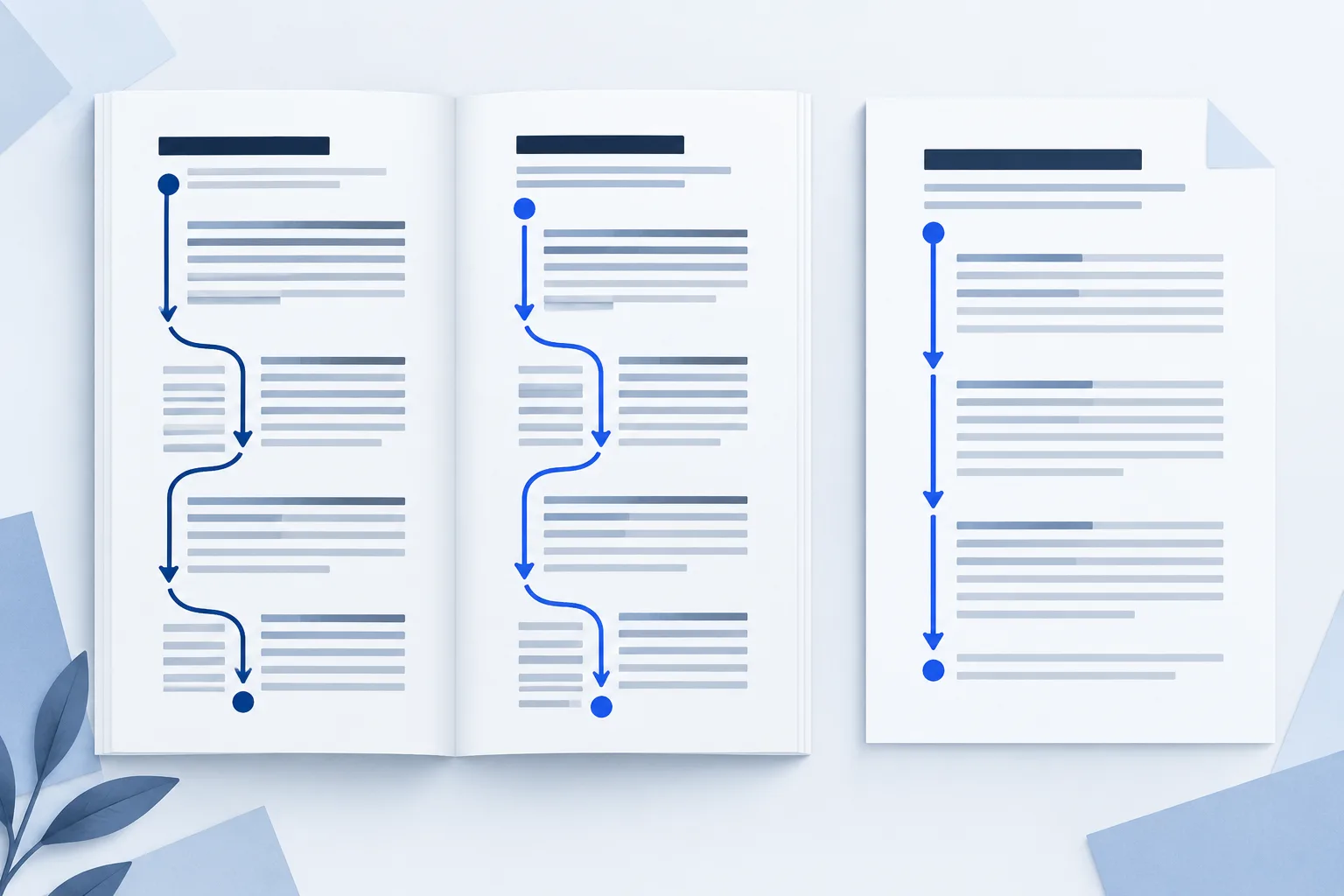
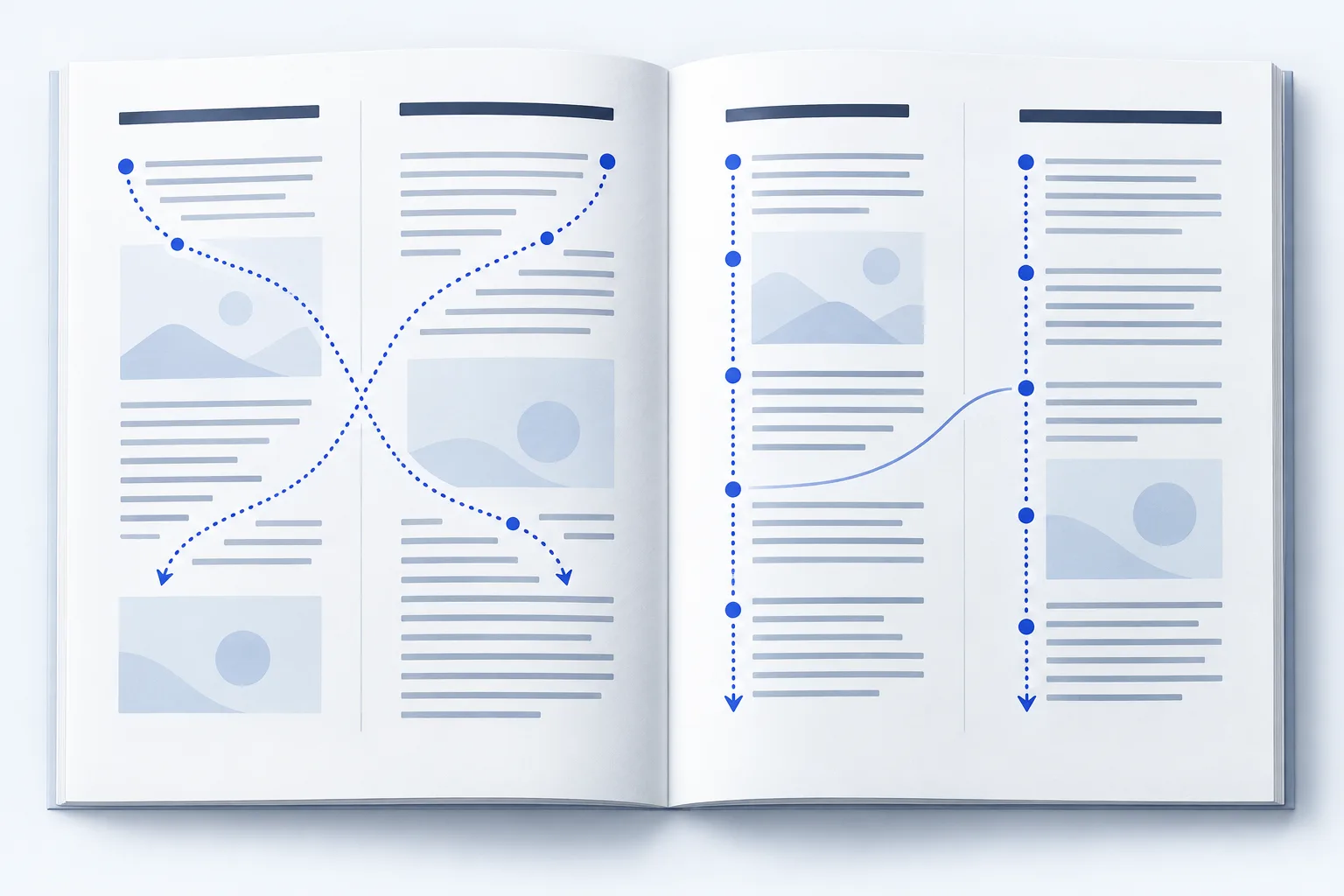
A two-column PDF looks obvious to a person: finish the left column, then move to the right. A basic conversion can instead follow the page from left to right at each line. The result blends two passages together.
You might see every word in the download and still find the article impossible to follow. A sidebar can create the same problem when its text lands in the middle of a sentence. Changing margins or making the font smaller will not repair text that has already been put in the wrong order.
Fix the reading order, not the font size
The useful fix is a new reading sequence: complete paragraphs in the right order, followed by the next part of the article. The column layout can disappear in the EPUB; the meaning should remain.
EPUBTurn is built to reconstruct that sequence from the document, including columns and passages that continue across pages. Instead of manually cutting a magazine into separate column images, you can upload it to EPUBTurn and try a free sample. Read a sampled article and check whether the transition now flows naturally.
Complex layouts and poor scans can still need closer checking. Use the result from your own PDF to decide whether to continue with full conversion.
What the correct order looks like
In the downloadable garden example, the left column begins “The garden opens at sunrise” and ends with watering the soil. Only then does the right column continue: “After watering, inspect the leaves.”
The reading edition keeps those paragraphs together. A broken order would put the watering instructions inside the sunrise paragraph. You can spot the difference by reading the transition, even without knowing anything about EPUB files.
Download the two files below and follow the same sentences. The example is an authored reading exercise; your own EPUBTurn sample is where you can judge your document’s conversion.
Try EPUBTurn on your two-column PDF
- Upload the original PDF to EPUBTurn. Start from the source, rather than a previously broken EPUB.
- Let EPUBTurn create the free sample from automatically selected pages.
- Find a sampled passage with columns or a page transition. Read the end of the first passage and the start of the next.
- Increase the font size in your reading app. Check that the paragraph order remains natural as the lines wrap.
- If the sample works for your reading needs, continue with full-document conversion.
Two extra places where articles can go wrong
Sidebars: a short box may belong after a complete passage, rather than inside the main article. Check that the surrounding sentences still make sense.
Page transitions: a repeated header or page number should not interrupt a sentence that continues onto the next page. Read across at least one transition when the sampled pages include one.
A sample may not contain every difficult layout in a long magazine. Keep the original PDF and check important passages in the full reading edition too.
If your current conversion is still unreadable
Go back to the original PDF and try a conversion designed to handle reading order. Repeatedly changing font size in the broken file will not help. With EPUBTurn, the free sample gives you a direct way to compare the reading flow before committing to the full document.
You do not need to learn column-cropping settings to get started. Upload the PDF, read the sample and decide whether the article has become easier to follow.
Use the worked example
Original teaching files by EPUBTurn. The reading edition was authored to demonstrate the checks in this guide.
Download source PDFDownload reading EPUB