PDF to EPUB with images: keep the pictures that make the article useful
An illustrated article loses much of its value when its charts disappear or its captions end up elsewhere. EPUBTurn is designed to keep useful diagrams and illustrations alongside adjustable text, so you can read comfortably without losing the visual explanation.
On this page
The image matters as much as the paragraph
A scientific diagram, a recipe photograph or a chart can explain something that the words alone cannot. If your conversion drops the picture, cuts off its labels or separates it from the caption, the article becomes harder to understand.
The goal is not simply to make the EPUB contain image files. You want each useful picture in a sensible place, large enough to inspect, with the right caption and enough surrounding text to explain what you are looking at.
How EPUBTurn handles illustrated PDFs
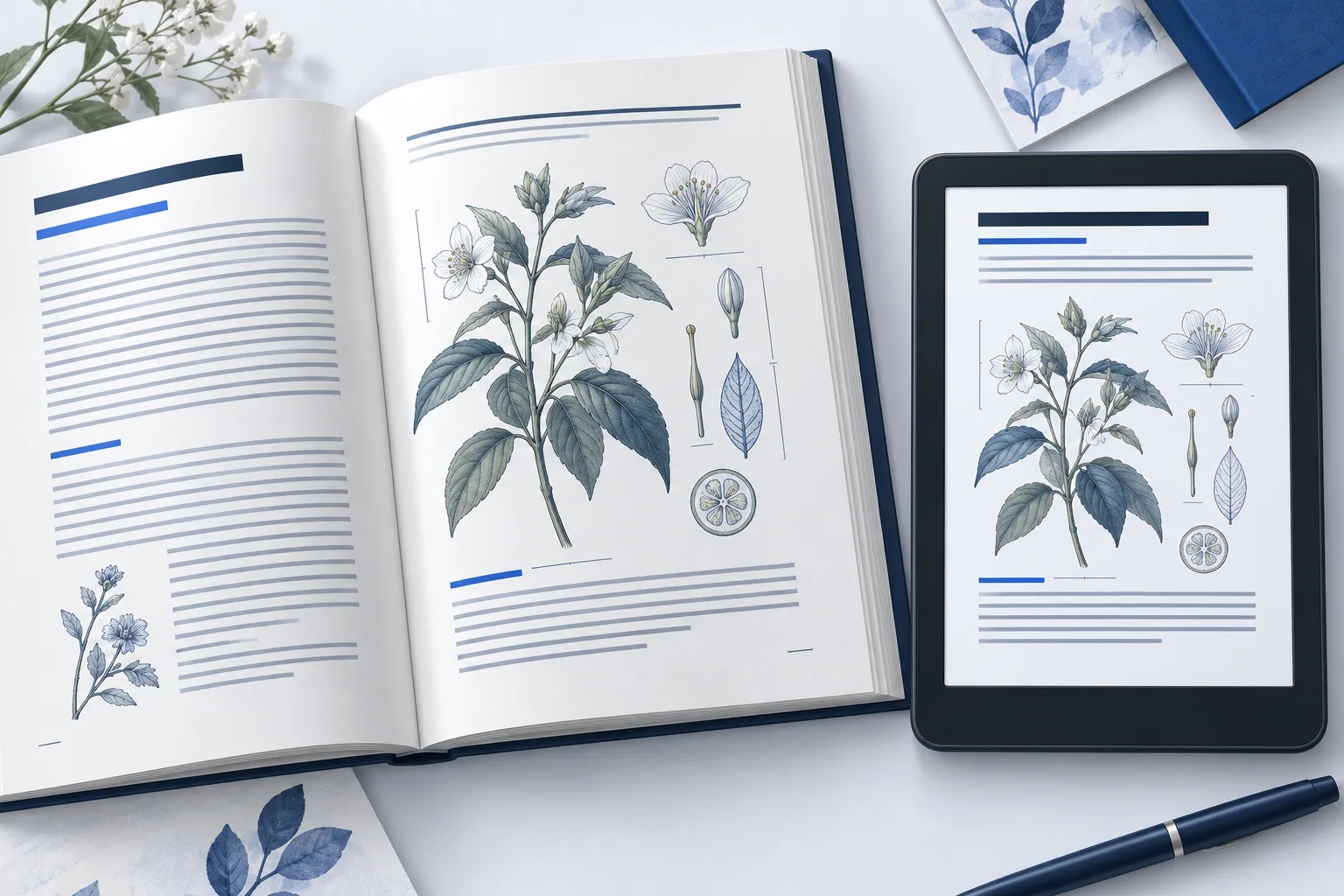
EPUBTurn combines adjustable text with separate diagrams and useful illustrations placed near their related passages. That gives the article room to adapt to a smaller screen while keeping the visual information available.
This is especially useful for magazines and illustrated reports, where turning every whole page into a picture leaves you zooming in and out. With a reading edition, you can increase the text size while the useful figure remains an image.
Try your illustrated PDF in EPUBTurn and inspect the free sample. If the sampled pages contain figures, check their labels and captions as well as the body text.
Look for the picture, caption and passage together
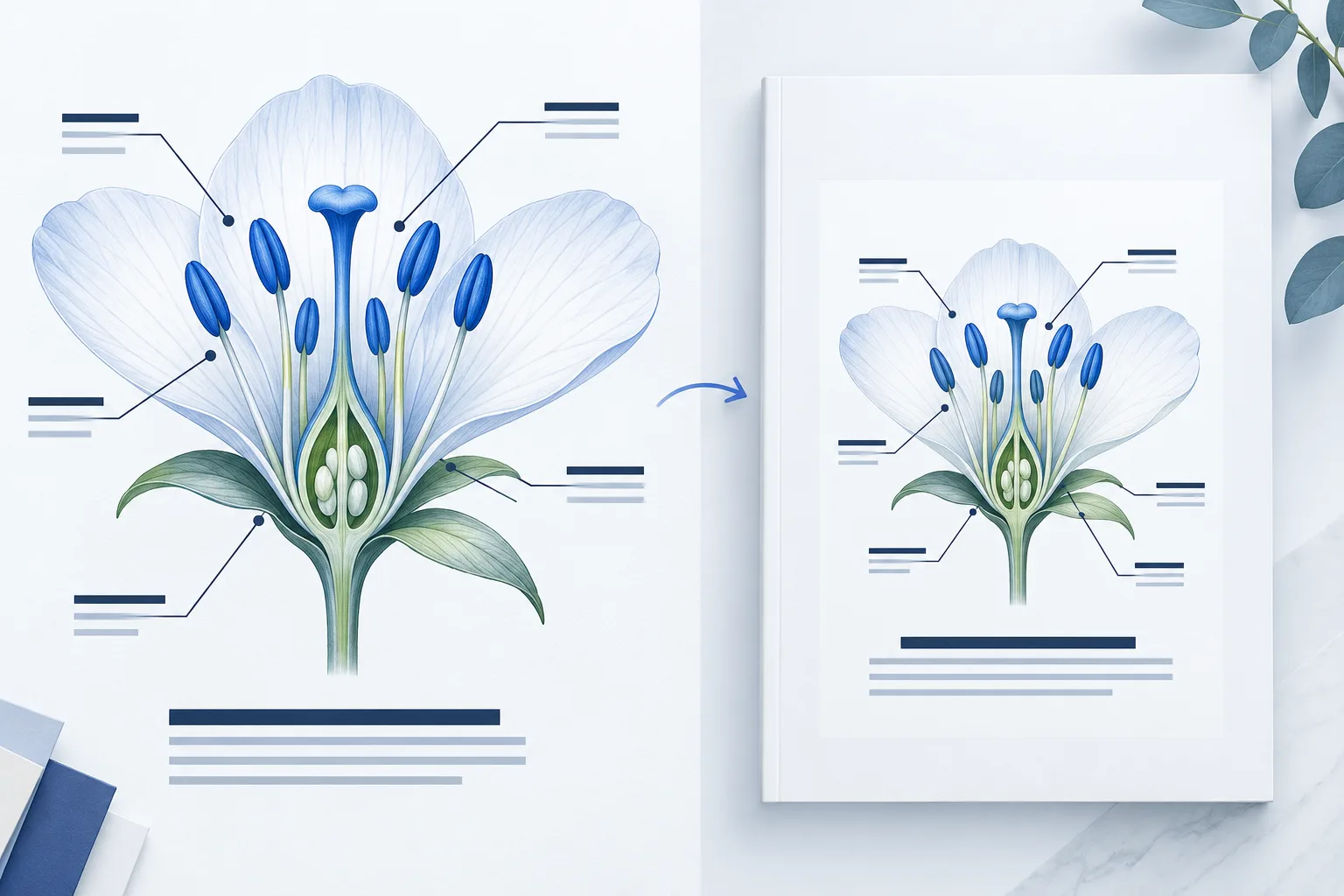
Our garden example includes a leaf figure with the caption “Leaf inspection: check both sides.” The paragraph about inspecting leaves comes before the figure. All three parts belong together.
Open the downloadable source and reading edition below. Find the leaf, then read the nearby paragraph and caption. Increase the font size and check the relationship again. The article can wrap differently, but the caption should not become an unrelated sentence.
For a chart, take the check one step further: look for the axis labels, legend and units. A nice-looking image is not enough if a cropped label changes what the chart means.
A quick image check before full conversion
- Find the important figures. Check a diagram or chart you actually need to understand the sampled article.
- Inspect the edges. Look for clipped labels, missing legends or a cropped corner.
- Match the caption. Confirm that the words belong to the picture beside them.
- Read around the image. A reference such as “see the diagram” should still make sense.
- Try your usual text size. Make sure the article remains comfortable in the app where you plan to read.
What if the image is already blurry?
Compare it with the original PDF. A low-resolution scan may not contain the detail you need, and conversion cannot be assumed to recover missing information. A very dense chart may still be easier to inspect in the source PDF.
For clear source images, the EPUBTurn sample helps you judge whether the retained figure and its placement work for your reading needs. Keep the original available for maps, detailed tables and other layouts where the exact positions matter.
Read comfortably without giving up the illustrations
You should not have to choose between tiny fixed-page text and a text-only version that loses the diagrams. EPUBTurn is built around adjustable reading text and useful images together.
Start with your own document. If the sample gives you readable paragraphs and understandable figures, you have a much stronger reason to convert the full PDF than a generic screenshot could provide.
Use the worked example
Original teaching files by EPUBTurn. The reading edition was authored to demonstrate the checks in this guide.
Download source PDFDownload reading EPUB