Correct scanned-page rotation before OCR and conversion
A sideways page and a slightly tilted scan need different corrections. Use rotation and deskew carefully, then inspect recognition and reading order as separate checks.
On this page
Separate sideways pages from skewed text
- Distinguish a rotated page from a slightly skewed scan.
- Keep an untouched source copy.
- Correct the page orientation with your PDF tool.
- Inspect text recognition on the corrected copy.
Use rotation and deskew as different operations
OCRmyPDF documents --rotate-pages for page orientation and --deskew for small tilt. On a disposable copy, a documented starting command is ocrmypdf --rotate-pages input.pdf rotated.pdf. If upright pages are also slightly tilted, consider the separate deskew option and inspect its output. These are command-line operations; check the current installation instructions and use filenames appropriate to your own files.
Inspect pages containing little text, full-page pictures or tables especially carefully because automated orientation decisions may be less obvious. Keep the original scan untouched and do not interpret a successful command exit as confirmation of correct orientation. Once the pages are upright, compare recognised names and numbers with the image. Rotation addresses geometry; it does not establish that the OCR result or later paragraph reconstruction is accurate.
Check orientation on the original measuring page
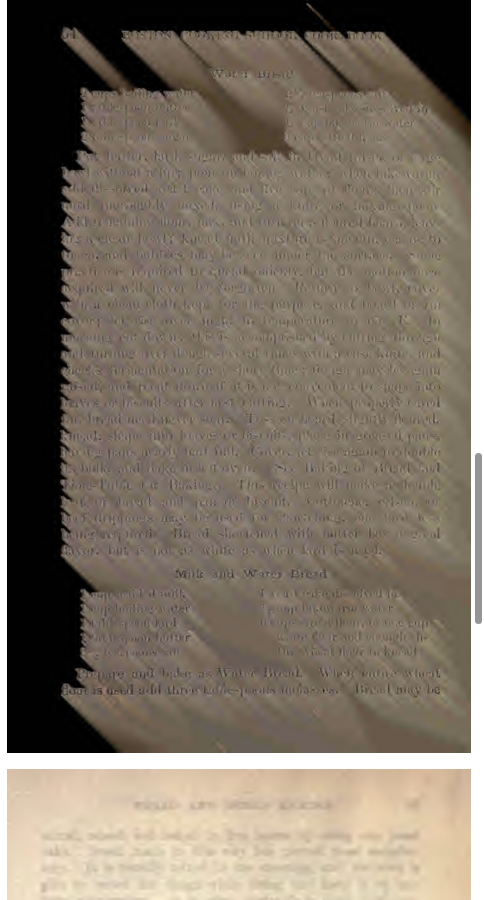
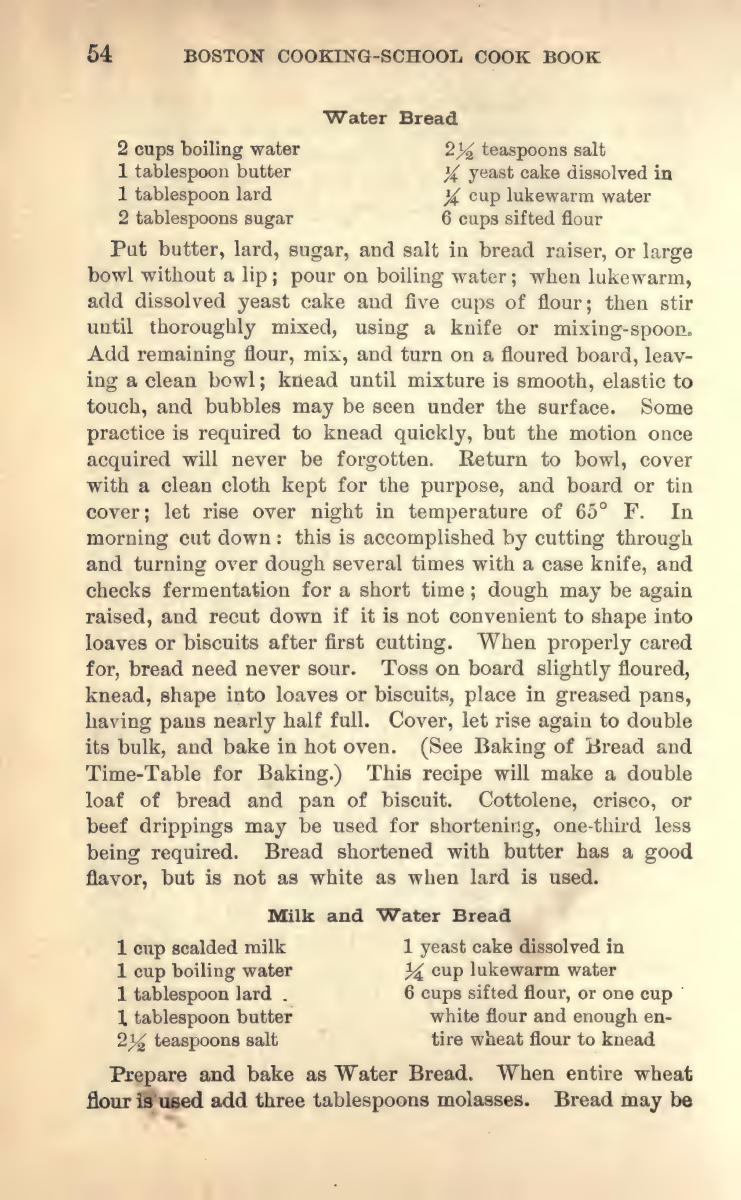
The cookbook excerpt’s second page shows the original How to Measure page. Check whether its printed lines are upright and whether the page is merely skewed before applying rotation. The excerpt has not been deliberately rotated for a demonstration. On an actual sideways source, save a copy, correct orientation and compare the same measuring instructions again. A landscape measurement table can be intentional; forcing all pages into portrait orientation is not a useful repair.
Review automated rotation decisions
OCRmyPDF documents rotate-pages and deskew as separate operations. Automated rotation can misjudge pages containing little text. Check the saved pages before converting and do not overwrite your only source copy.
Check mixed-orientation documents page by page
A document can contain upright portrait pages and a landscape table that is intentionally different. The goal is readable content, not forcing every page into the same appearance. Identify intentional landscape layouts before using automated rotation across the file.
Text-light pages need care. A cover, photograph or diagram may not provide enough text for an orientation decision. Compare those pages visually after the operation and retain any intentional orientation. For a table, check whether column headings remain above their data rather than relying on the page outline alone.
If the rotation tool produces a new file, inspect that file directly after saving. Do not confuse the viewer’s display rotation with changed page data. Only then begin the OCR check: names, numbers and a full paragraph should match the scan. After EPUB conversion, inspect reading sequence separately. A successful orientation fix is one useful preparation step, not a completed recognition or reading-quality test.
Check recognition without inventing a rotation repair
Our actual cookbook sample was made from upright original pages; no page was turned sideways or repaired for the demonstration. The Water Bread sample gives you real recognised fractions and recipe text to compare with the printed scan. If your own file is sideways, correct a separate source copy before trying conversion and compare the saved page afterward. EPUBTurn’s sample result does not establish automatic rotation controls or a tested deskew repair.
Open the actual source PDF · Download the saved EPUBTurn sample.
For your own document, create an EPUBTurn sample from your PDF, then use the reading checks described here.
EPUBTurn sample
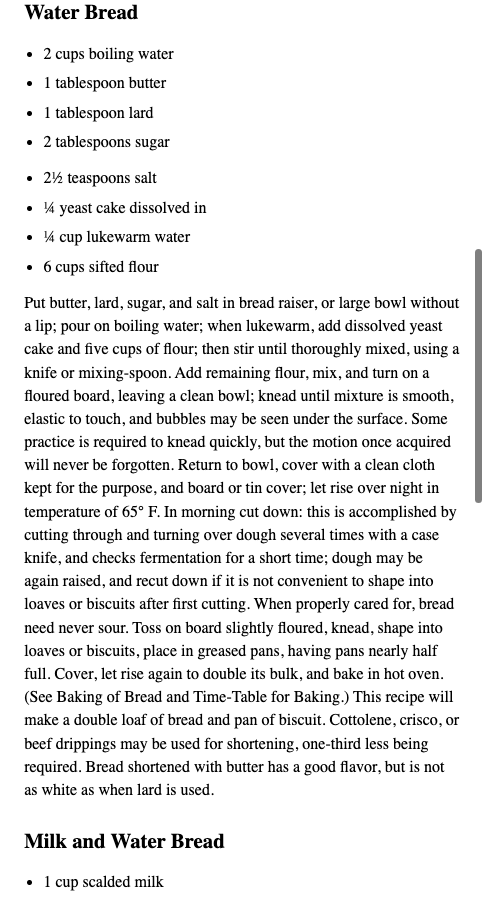
Calibre default output
Files used in this guide
Download the source files, conversion results or worksheets referenced here. Each label identifies the source document or the converter used.
Same three-page original cookbook inputActual unedited EPUBTurn three-page sampleSources and further reading
Related guides
- Find the cause of garbled EPUB text with a three-way check
- How to convert an image-only or scanned PDF into EPUB
- Multilingual PDF conversion: check names, accents and order
- EPUB ligatures: check search and copied text before changing letters
- Choose OCR languages and catch recognition mistakes
- OCRmyPDF and Calibre for scanned-document reading