Prepare a PDF before converting it to EPUB
Missing pages, sideways scans and unreadable print are source problems worth catching first. Prepare a separate PDF copy and verify the saved changes before converting.
On this page
Check the PDF you intend to upload
- Open the PDF from the file you intend to upload.
- Check the first and last pages and one middle section.
- Inspect small text and diagrams at useful zoom.
- Save a separate prepared copy and keep the original.
Separate source repair from conversion repair
Check whether the PDF itself opens correctly, includes the intended pages and displays meaningful text at usable zoom. If a scan is blurry enough that a person cannot read a name, a converter cannot be assumed to recover the intended name reliably. If the source contains repeated page headers, decide whether they are decoration or carry section information before removing them.
A viewer can display a temporary rotation without changing the saved page orientation. Reopen your prepared PDF after saving to confirm the change. Keep the prepared version under a distinct filename and compare its page count with the original. For a file containing forms or dense maps, preparation may not make reflow the appropriate output. Decide whether the main goal is reading prose or preserving a layout that carries essential information.
Prepare the actual scanned cookbook pages
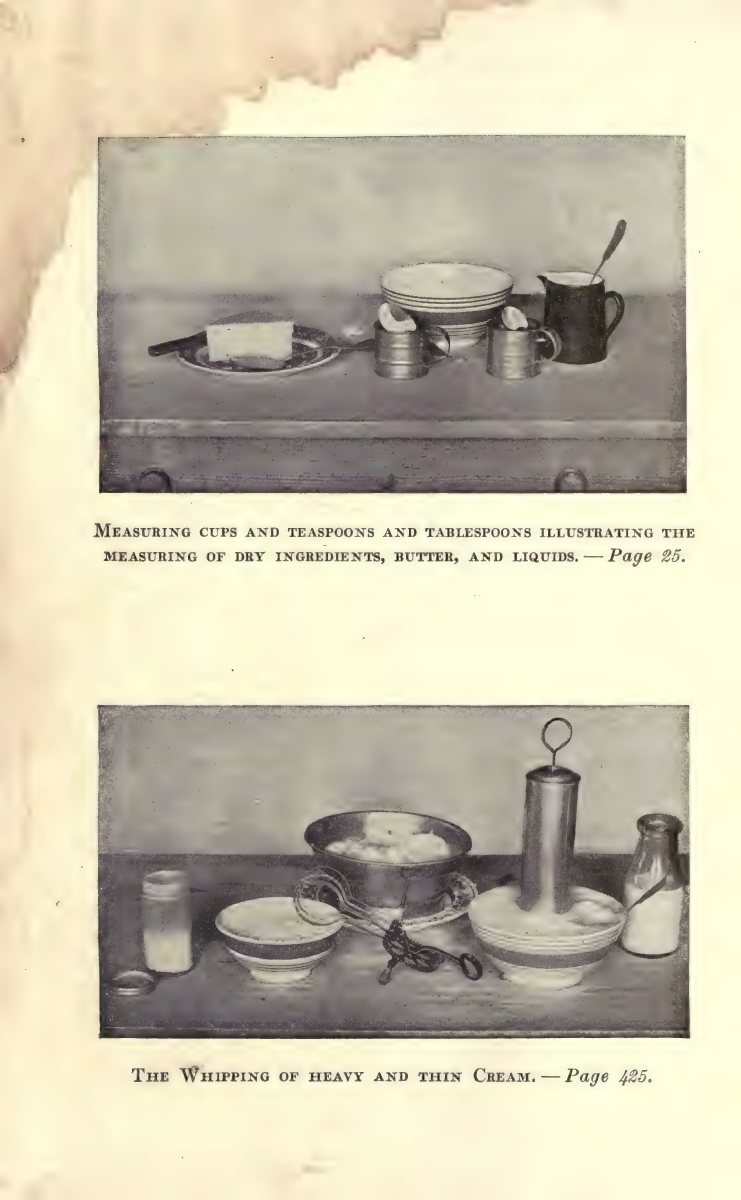
The nine-page excerpt from Fannie Merritt Farmer’s 1917 Boston Cooking-School Cook Book preserves selected original pages, including How to Measure, measurement tables and the complete Water Bread recipe. Check the page image before trusting copied text: the scan’s existing text layer misreads fractions in the Water Bread ingredient list. Preparing the source means identifying that limitation, not silently rewriting the historical recipe. Keep the unchanged excerpt and a separate preparation copy if you rotate or recognise pages.
Avoid crops that remove useful information
Do not delete page headers or crop aggressively until you know whether they contain meaningful information. A password-protected or damaged file may need an authorised unlocked copy, not repeated uploads.
Keep a preparation record
Record the original page count, the prepared page count and each change you made. A simple note such as “rotated physical page 6; removed no content” is enough to explain why the prepared file differs. If you extracted a chapter, record the original source range and any added notes or figures.
Recheck boundaries after preparation. Cropping can cut footnotes, and extraction can separate a caption from its figure. A clean-looking page is not proof of complete content. Inspect the first and last sentences of the prepared section as well as the images that support it.
Use a representative prepared source for the sample rather than silently changing the PDF after you have judged another version. If you change the input, the earlier result no longer describes exactly the same task. Keep filenames distinct and make sure the upload picker points to the intended version. Source preparation should reduce a known obstacle, not become a long sequence of speculative edits before you have seen how the document actually reads.
Inspect the actual scan before preparing another copy
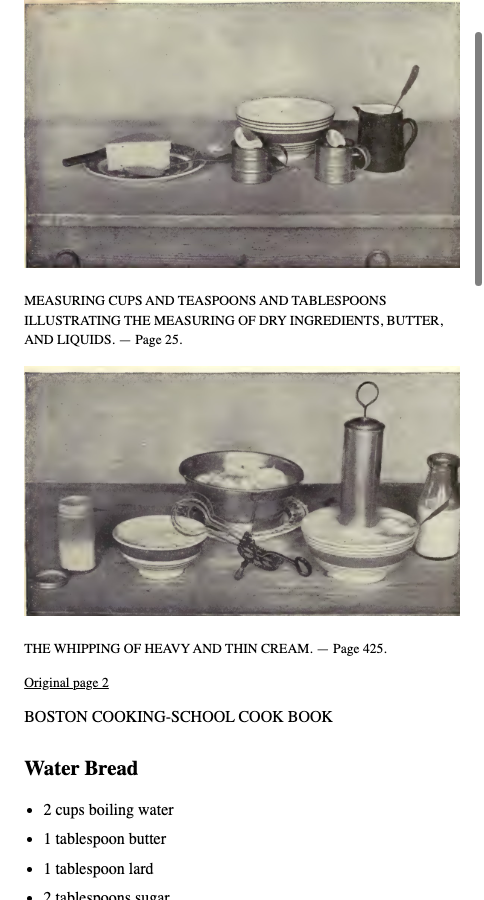
The three-page cookbook input preserved its original scan and imperfect text layer. EPUBTurn’s normal sample retained the two photographs and their captions, then reconstructed Water Bread ingredients and instructions as text. The printed fractions 2½ and ¼ in that recipe are present in the saved output. Keep the unchanged source beside the sample while checking recognition; preparing a cleaner source is a separate action, not something we quietly did to make this result look better.
Open the actual source PDF · Download the saved EPUBTurn sample.
For your own document, create an EPUBTurn sample from your PDF, then use the reading checks described here.
Source PDF
EPUBTurn sample
Files used in this guide
Download the source files, conversion results or worksheets referenced here. Each label identifies the source document or the converter used.
Same three-page original cookbook inputActual unedited EPUBTurn three-page sample