Check whether a PDF has selectable text before conversion
Test more than the cover. Include an ordinary body page, an unusual heading and a page with columns; mixed PDFs may combine selectable pages with scans.
On this page
Try a normal sentence, not the cover
Open a body page and select a complete sentence. Copy it into a plain text editor and check the word order, spaces and punctuation. Some PDF viewers can offer recognition themselves, so note the viewer used. A selectable title on the cover says little about the remaining pages. Repeat on a page with an unusual layout if the document contains one.
Make a three-page readiness record
Inspect an ordinary prose page, a difficult page and one later page. Record selection behaviour and a short pasted phrase for each. Mixed documents can combine scans and selectable text. The record helps you choose whether to try conversion, seek a cleaner permitted source or retain the PDF. It is a manual readiness check, not a button that automatically certifies a file.
A worked reading example
Try selecting one normal sentence and pasting it into a text editor. Read the pasted sentence for spelling, order and spaces. Being selectable does not prove the hidden text is accurate.
Record the result without overstating readiness
For each inspected page, note whether selection succeeded and whether the pasted sentence matched the visible page. Include a column transition if one exists. A correct sentence on one page is encouraging evidence for that sentence, not a certificate for every page in a mixed document.
If the pasted words come in a different order, retain that observation for your conversion check. If a scan has an inaccurate hidden layer, treat text recognition as something requiring verification. If nothing can be selected in your viewer, consult another permitted viewer or a cleaner authorised source before concluding the entire PDF is image-only. The small record helps choose the next step without inventing certainty.
Selectable source text is a separate checkpoint
The ten-page research PDF has selectable article text and vector plots; it is not a scanned-page OCR test. Copy a page-two passage and compare the pasted words with the visible PDF. Then inspect the matching converted passage.
That sequence separates source text problems from conversion order. For a scan, first establish whether a useful text layer exists and check recognition against the page image. No result on this selectable research paper establishes recognition accuracy for a scanned book.
Compare selectable output with the printed scan
The actual cookbook measures EPUB contains selectable measuring prose and six list-form measurement rows from automatically chosen source pages two, three and four. Compare the printed scan before interpreting the text. That demonstrates selected scan content, not accurate recognition of every page in the cookbook or every unusual fraction.
EPUBTurn starts from the original PDF. Compare a selectable source sentence with the corresponding sample text.
Printed measurement rows
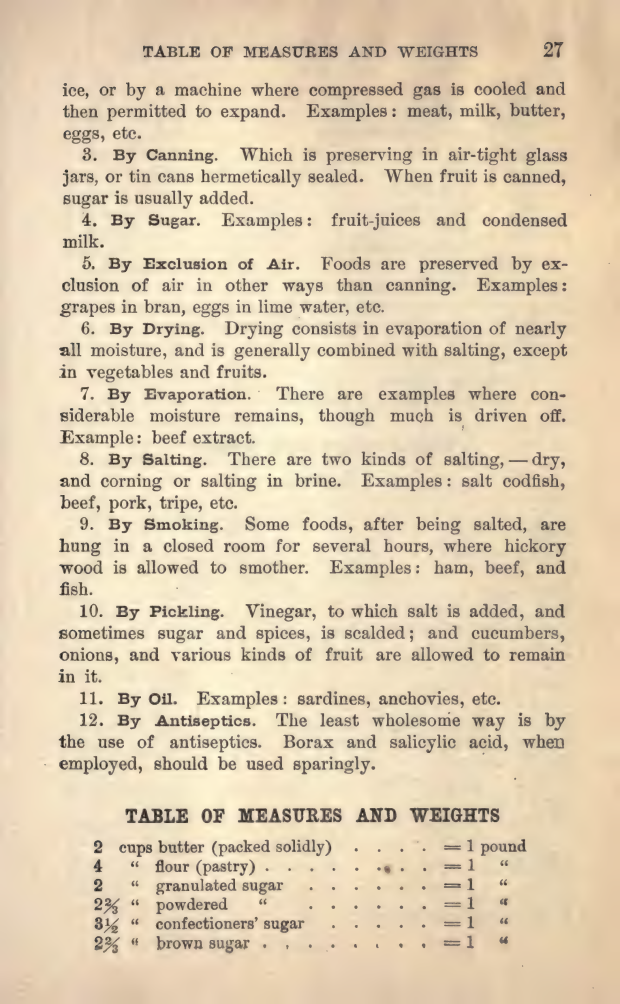
EPUBTurn sample
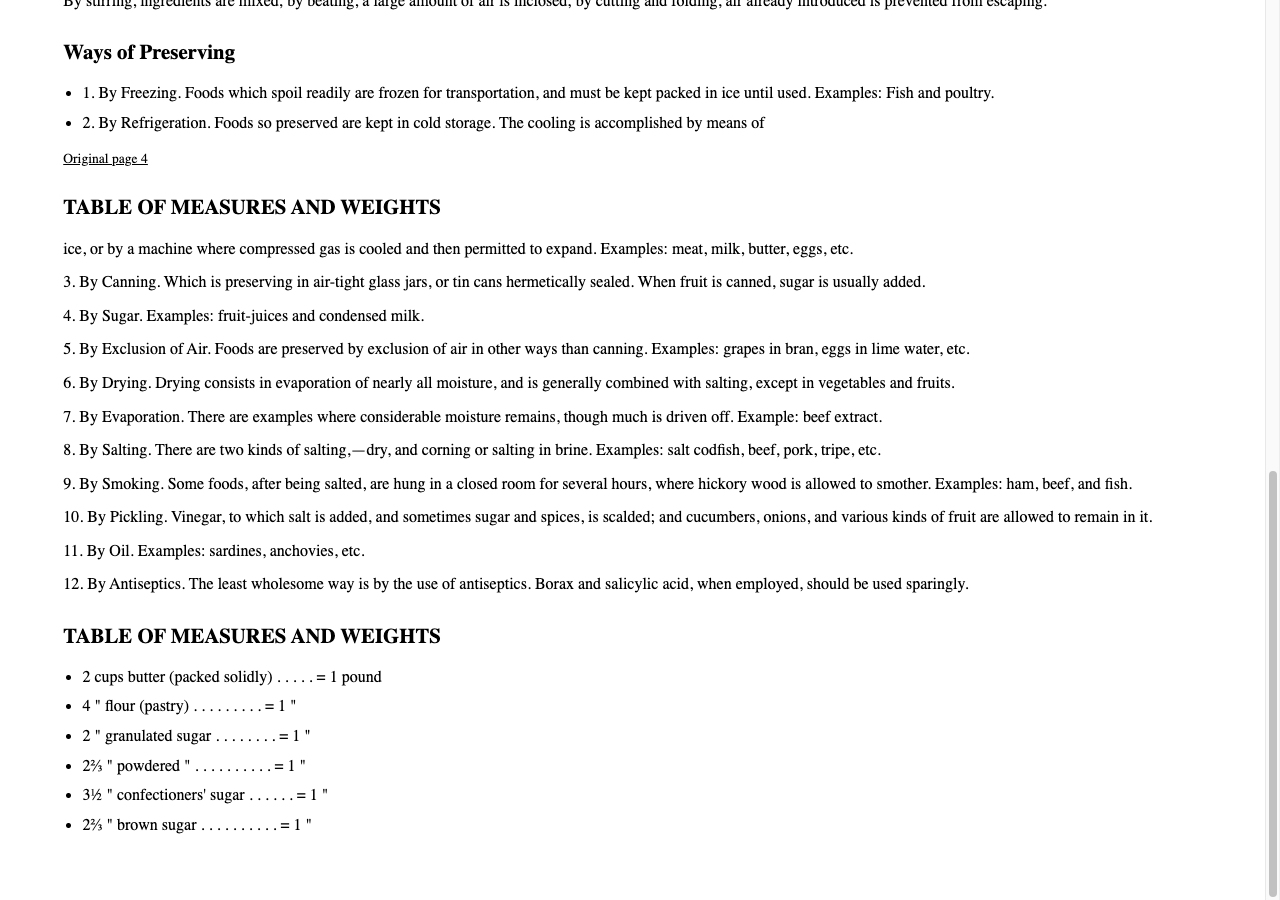
Files used in this guide
Download the source files, conversion results or worksheets referenced here. Each label identifies the source document or the converter used.
EPUBTurn actual measures sample: source pages 2–4