Convert PDF to EPUB on a Mac: choosing a practical route
Choose a browser sample or a permitted local converter. Open the downloaded EPUB in a reading app and inspect the text rather than assuming the filename establishes success.
On this page
A Mac conversion with the published research paper
Calibre 8.8.0 on Mac produced a default EPUB from our ten-page published-paper excerpt. The file exists, but the inspected columns interleave and the vector panels of Figure 1 are missing. Those observations belong to that source and default run.
The reviewed EPUBTurn result keeps the checked passage order and the plot panels, with clipped lower axes. It required three manual equation-crop corrections; it is not an untouched automatic download. The published research-paper comparison supplies the source and saved files so you can assess the tradeoff without relying on the operating-system name.
Published PDF
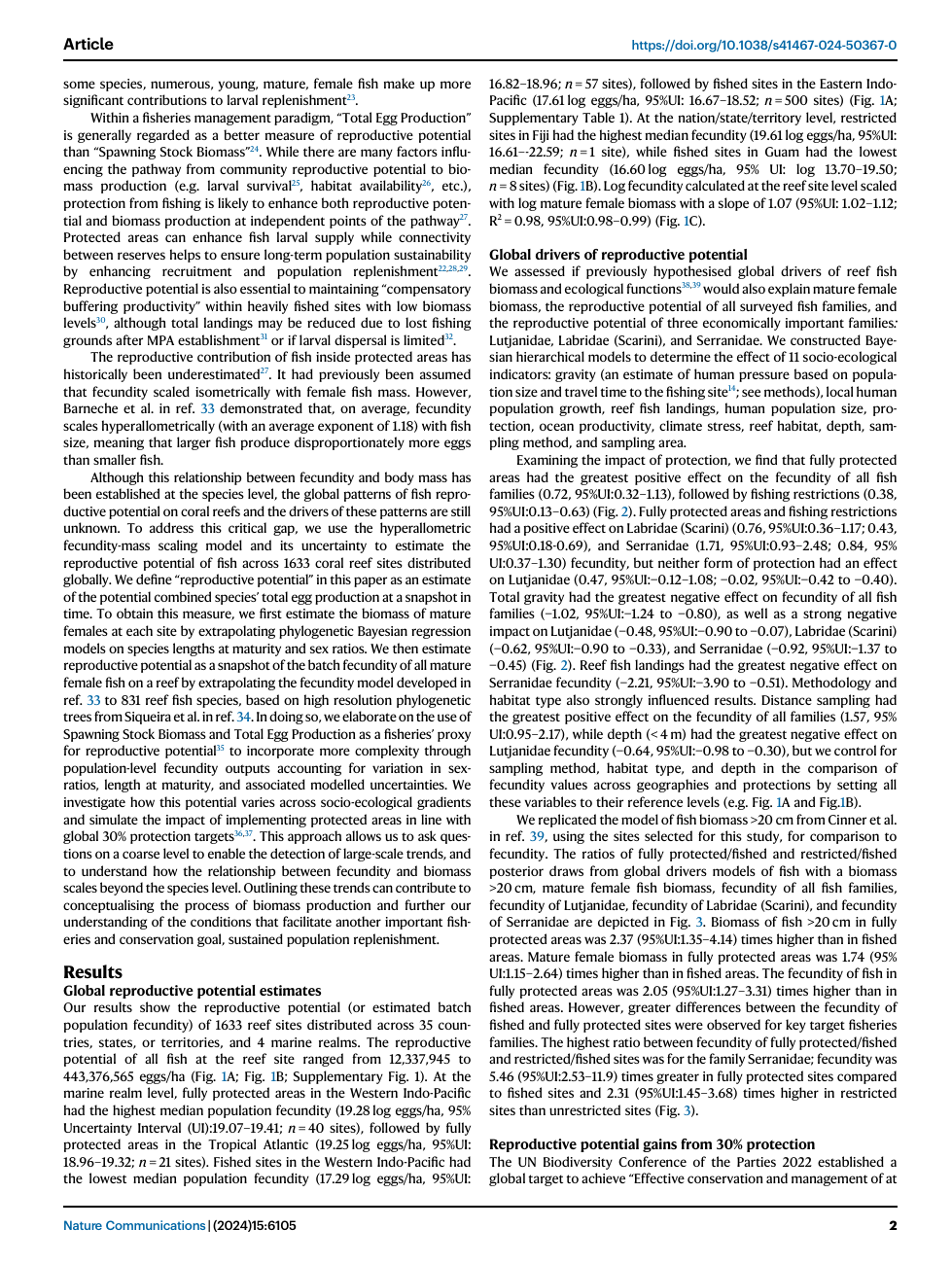
Reviewed EPUBTurn result
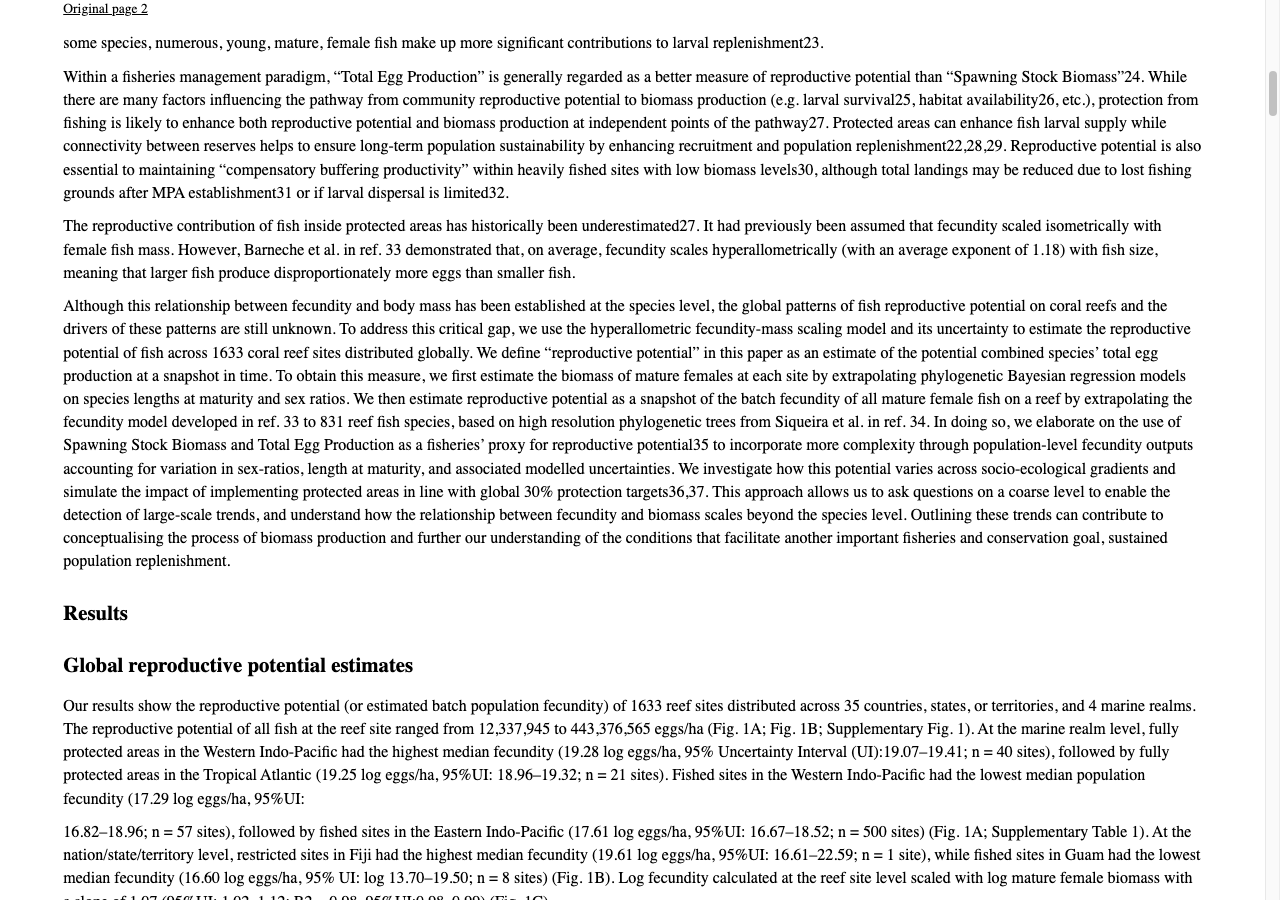
Keep source and reading files distinguishable
On your Mac, save the original PDF in a named folder and retain it unchanged. Save EPUB outputs with a suffix identifying the tool or revision. A displayed book title is not a reliable version record; two files can show the same title while containing different content. Keep downloads rather than treating a temporary browser preview as your archive.
Choose browser conversion or local control
For an allowed upload, EPUBTurn offers a browser sample workflow. For a document that needs local handling, consider an approved desktop converter such as Calibre. Its conversion interface lets you add the PDF, select EPUB as output and retain the result for checking. Privacy permission and reader quality are separate questions; choosing local processing does not establish that the paragraphs are correct.
Open the EPUB in a reading app
On a Mac, Apple Books documents File then Import for EPUB and PDF files. Import the EPUB and check an ordinary paragraph at two font sizes. Follow a column boundary and open a heading from the contents. Keep the PDF for page-specific details. Documented import steps are not a physical-device test, so consult the current app guidance if your version exposes different controls.
A concrete example
Keep the original in a named folder and save converted editions separately. Two files with the same displayed title can still contain different versions of the report.
Keep versions easy to compare
Use a folder containing the unchanged PDF, a first EPUB and any revised EPUB. Add a short note about the tool and date. When a conversion has a problem, return to the same source phrase and compare the exact output version rather than judging a different chapter from memory.
If you later edit with a desktop tool, keep the raw output. A corrected edition may be comfortable, but its quality includes your intervention. The distinction matters when you decide whether to use the same workflow for another document. A successful Mac import is only one step: completeness, reading order and useful illustrations still need their own inspection.
Apple Books importing an EPUB and Calibre converting a PDF are different stages. Keep the tool responsible for each stage clear in your notes. If the text order is wrong before import, opening another library does not restore the source sequence; if the file text is correct, investigate the display separately.
Choose the Mac task you can inspect
On Mac, the paper’s actual Apple Books reflow check changed the same abstract after one font increase. The actual NASA sample EPUB adds an unedited engineering sample with retained hardware drawings, available to open in your chosen reader. Use a browser conversion for a permitted reading task; choose approved local handling when the document cannot leave your computer.
Create a sample EPUB to open in your Mac reader
Source and licence
Source: Hadj-Hammou et al. (2024), Global patterns and drivers of fish reproductive potential on coral reefs. CC BY 4.0. Pages 1–10 extracted; converted files and screenshots are adaptations.
NASA source
D. Harold Shelton, Apollo experience report: Lunar module stabilization and control system, NASA, 1975. US government work; public use permitted. Original pages 3–8 extracted; sample selects excerpt pages 4–6.
Files used in this guide
Download the source files, conversion results or worksheets referenced here. Each label identifies the source document or the converter used.
Published research-paper PDF (pages 1–10)EPUBTurn reviewed result; three equation crops correctedEPUBTurn actual NASA sample: three selected pages