What happens to EPUBTurn files after conversion and deletion
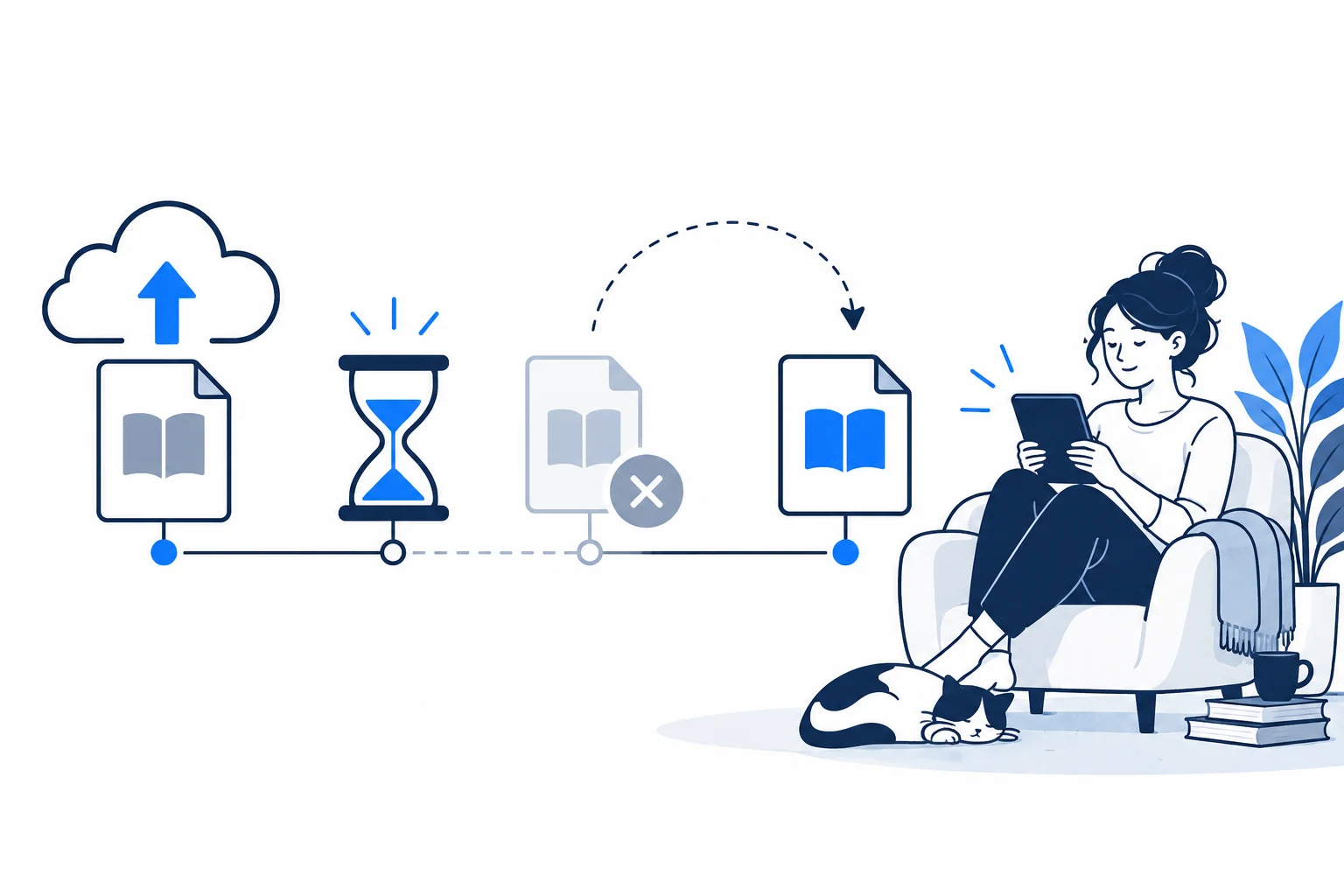
EPUBTurn files are temporary conversion storage. Save the EPUB before access expires, and distinguish guest access, seven-day file expiry, deletion and outside copies.
On this page
Download before the displayed expiry
- Read the expiry shown beside your file.
- Download the EPUB before that deadline.
- Use Delete files for earlier removal when processing is not running.
- Keep payment records separate from document retention.
Separate access, deletion and outside copies
The current policy distinguishes access expiry from removal of every stored copy. At seven days, access ends and cleanup removes active document files, but processing, backups, soft-deleted storage or external providers can affect later retention. Delete files allows earlier removal when processing is not running. Downloading creates a copy under your control, and importing that copy into another reader or cloud library creates a separate storage location. Deleting EPUBTurn files does not erase those outside copies. Payment and account records are also separate from document expiry.
Seven-day access does not renew on reopening
A document uploaded on a given day has a seven-day access period under the current policy. Reopening or converting the file does not reset that deadline. Without sign-in, the same-browser sample access lasts 24 hours; creating an account can keep access until the file’s seven-day expiry. Download a local reading copy and check that it opens before relying on storage expiry. Clearing browser storage can remove guest access even when the document itself has not yet expired.
Access expiry and deletion are different
Access expiry is not a guarantee that every provider-held copy disappears at exactly seven days. Cleanup, backups, soft-deleted storage and provider records may remain longer. Account and payment records have separate retention.
Download and verify before the deadline
Save the EPUB while you still have access, then open the saved file in your reader. A filename in download history is weaker evidence than opening the actual book and checking a later section. Keep the source PDF as well if you need precise tables, diagrams or citations.
Without an account, clearing essential browser storage can remove sample access. Signing in restores access to unexpired account documents, but does not extend the seven-day file deadline. If you need an earlier removal, use Delete files when processing is not running. For a privacy question, contact support without attaching sensitive documents to the first enquiry.
Download the finished file before access expires
The NASA trial reached Sample ready and produced a downloadable EPUB after the normal Create sample download step. Save the file to your own storage before the expiry shown for your upload. Reopening the conversion page does not turn EPUBTurn into permanent book storage. The downloaded sample lets you check retained content independently; it does not prove when every provider-held copy is deleted. Use the current privacy policy for deletion and retention details.
Open the actual source PDF · Download the saved EPUBTurn sample.
For your own document, create an EPUBTurn sample from your PDF, then use the reading checks described here.